Server Free2 › Fora › Monitoring GPS Teltonika trackers › Teltonika FMB125
- Temat jest pusty.
-
AutorWpisy
-
14 maja 2021 o 13:50 #1361
Admin1
KlucznikTeltonika FMB125

Configuration of Teltonika FMB125 tracker for Free Server.
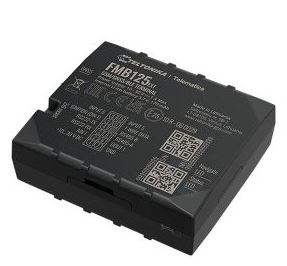
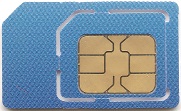
1. Install an active SIM card in Teltonika FMB125 device.
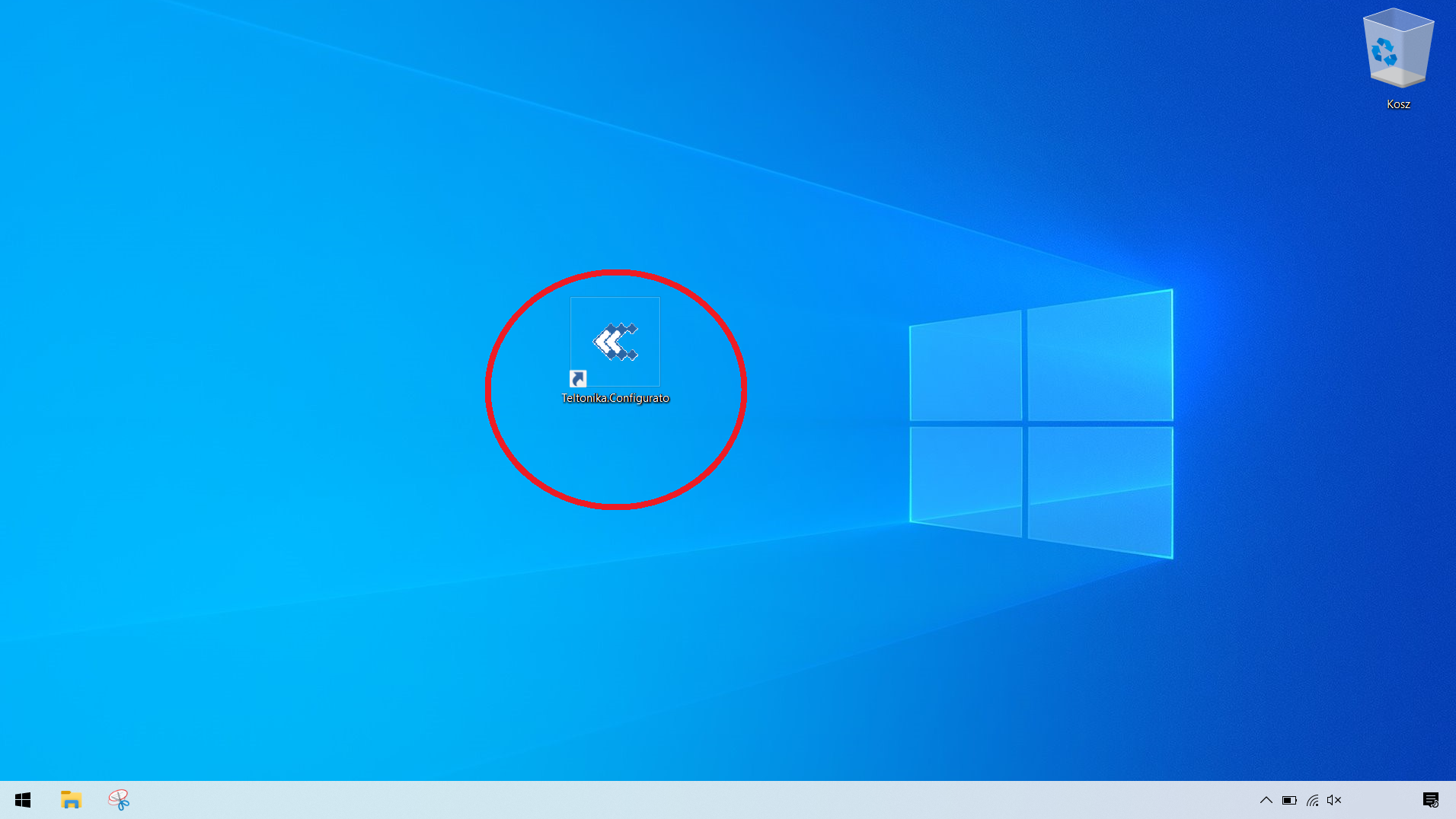
2. Download the application
- FMB.rar
- Configurator seria FMB
- (11.32 MiB) Downloaded 2 times
3. Install the config app on Your PC
4. Connect Teltonika FMB125 device to PC using USB cable (in some of devices you need to remove a cover to get to the USB port)
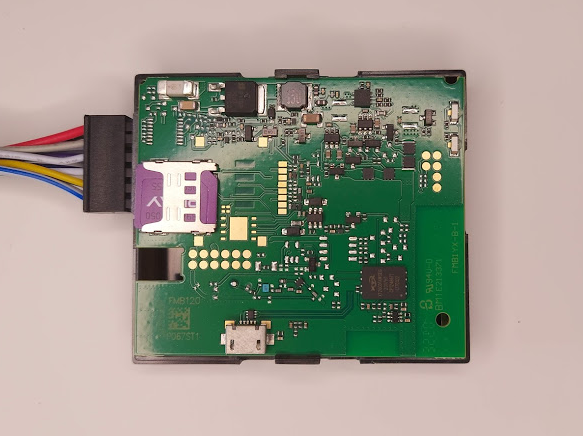
5. Power-Up Teltonika FMB125 tracker using supplied power cable.
6. Run config app
7. Your Teltonika FMB125 tracker should appear on the menu. Click on the device.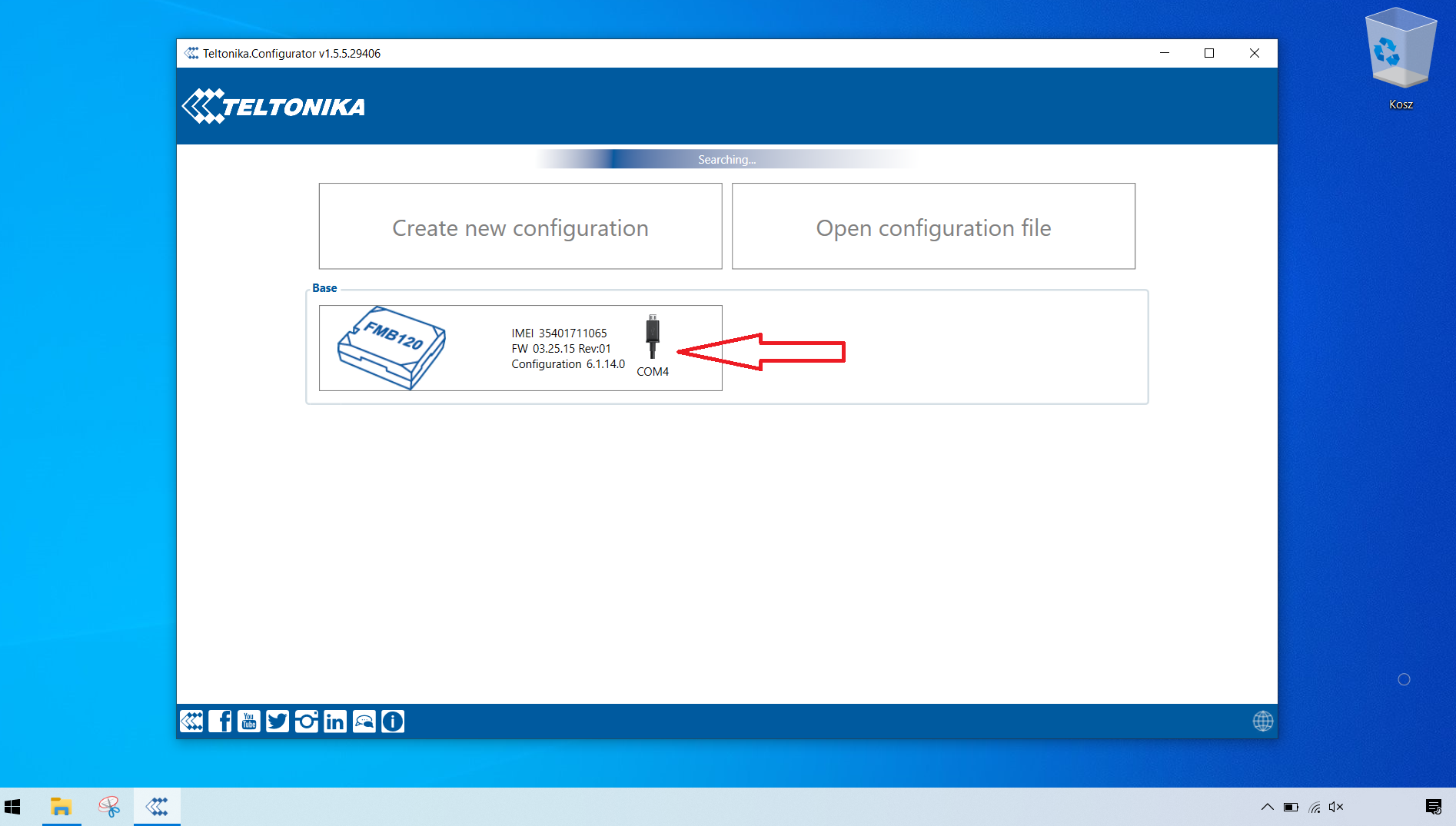
8. Click on GPRS tab then set server domain 85.25.213.72 port 5027

9. Set the values specified in Records Settings as: Open link Timeout 3600 and Response Timeout 300
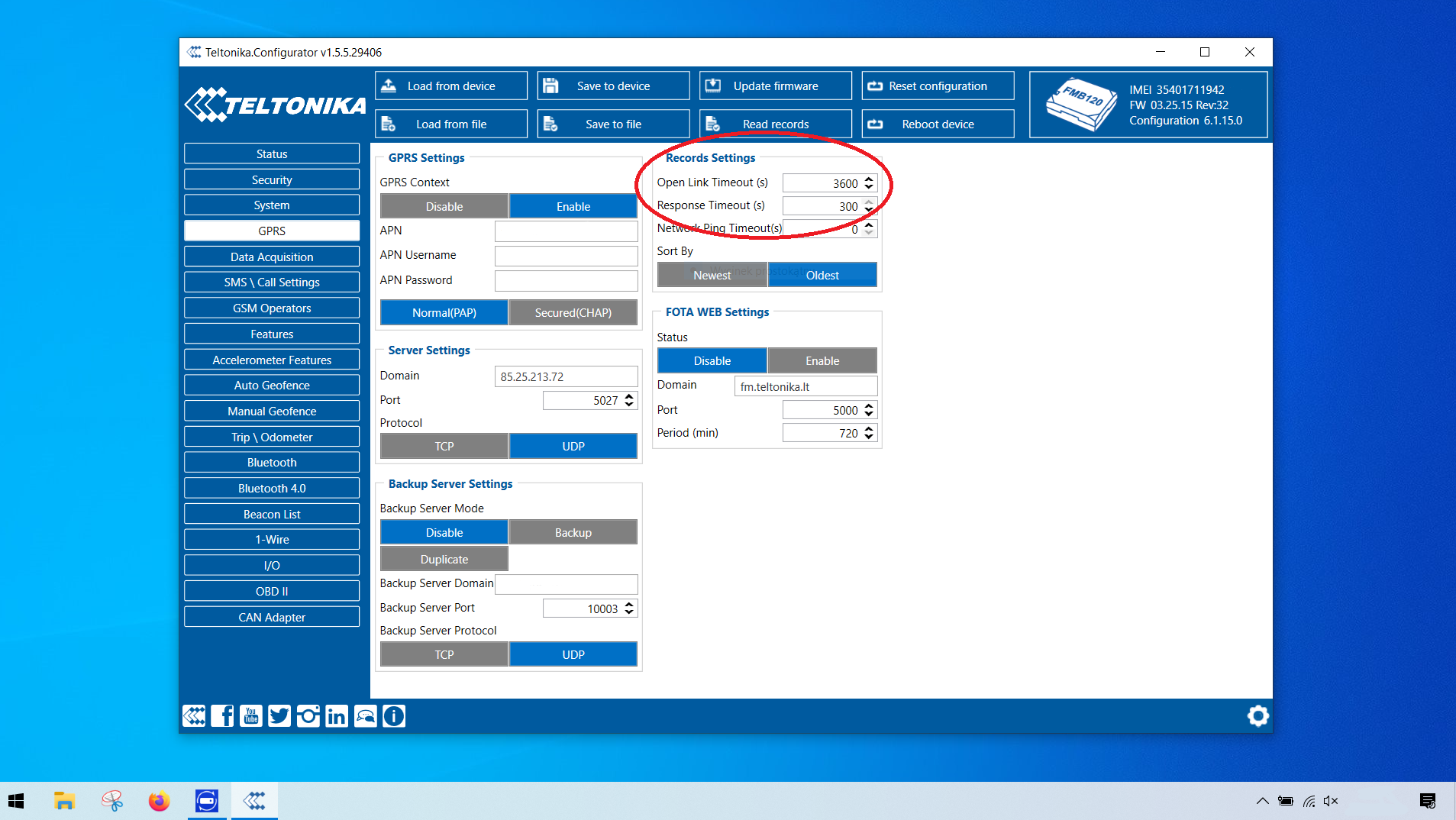
10. Next enter the APN of the SIM card operator. example APN list link: https://www.teltonika.org/apn-list/
If You can’t find your network APN in example list please contact Your SIM operator
11. Set recommended values of Data Acquisition
Minium value for vehicle in Home network connection is:
On Stop – 300 sec
Moving – 60 sec
This means that device will download one point every 60 sec, every 1 km when faster or if the steering angle is less than 33.
The same Settings must be made for Roaming and Other unknown network.
Using lower values can overload the server and disable the tracker.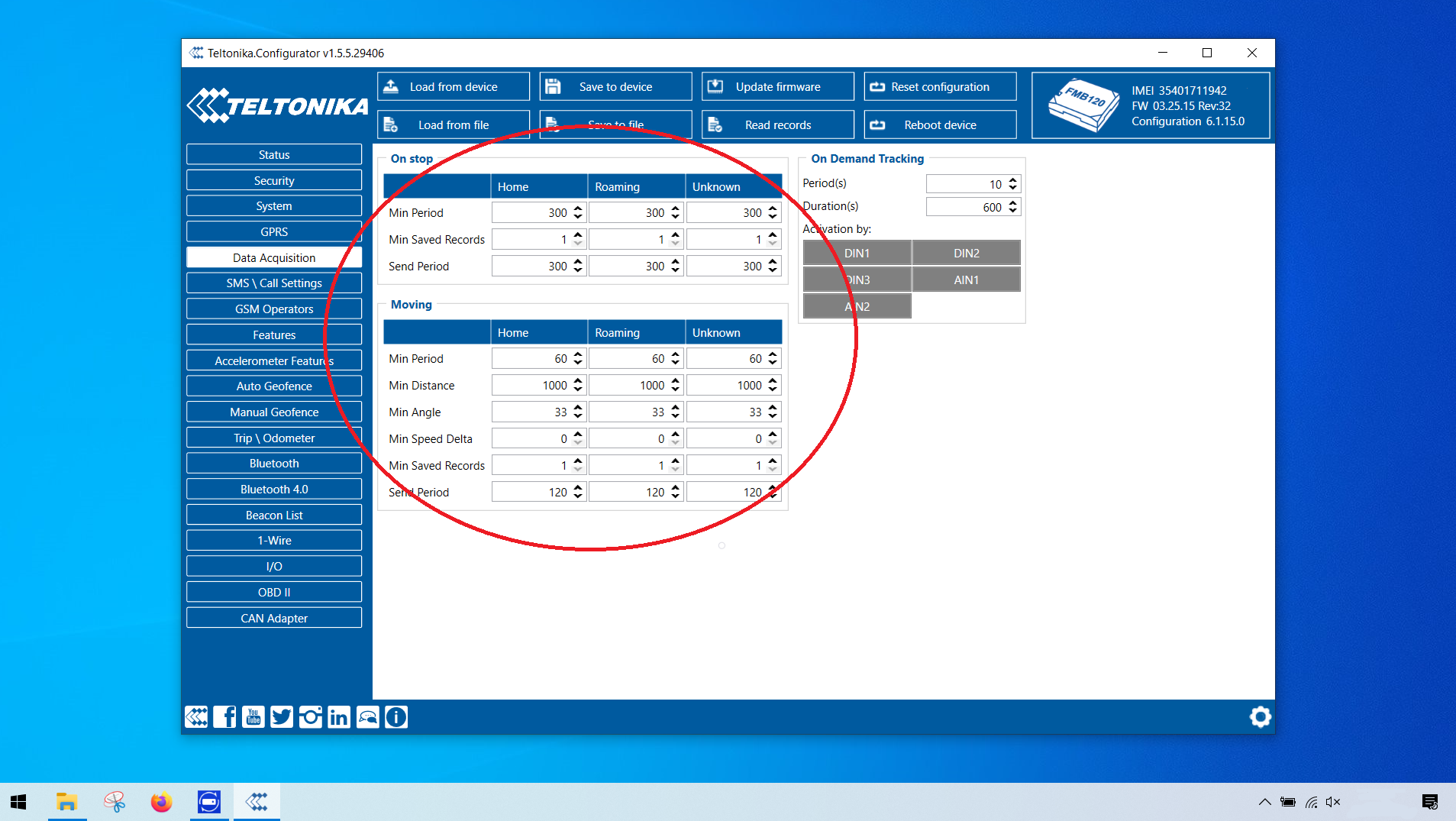
12. Optionally, in the SMS / Call Settings tab, we can enter the phone number of our SIM card for wireless configuration of the tracker, then set your login and password to send SMS commands to the Teltonika FMB125 tracker.


13. Save to device Teltonika FMB125 settings.

14. Teltonika FMB125 tracker is ready to use.
Next stage –
Register an account at http://www.teltonika.org/app/
Add Teltonika device
Watch your vehicle in real-time -
AutorWpisy

- Musisz się zalogować by odpowiedzieć w tym temacie.